Research
Export ranked Amazon search and category rows into a working dataset.
Search to CSVPaste an Amazon URL or up to 20 ASINs. Get clean product rows for your spreadsheet, catalog, or next client report.
{
  "schema_version": "1.0",
  "status": "succeeded",
  "outcome": "full",
  "has_failures": false,
  "marketplace": "amazon",
  "input_type": "product_url_list",
  "mode": "full_product",
  "delivered_records": 1,
  "records_delivered": 1,
  "records_failed": 0,
  "charged_units": 5,
  "sample": {
    "asin": "B0060OUV5Y",
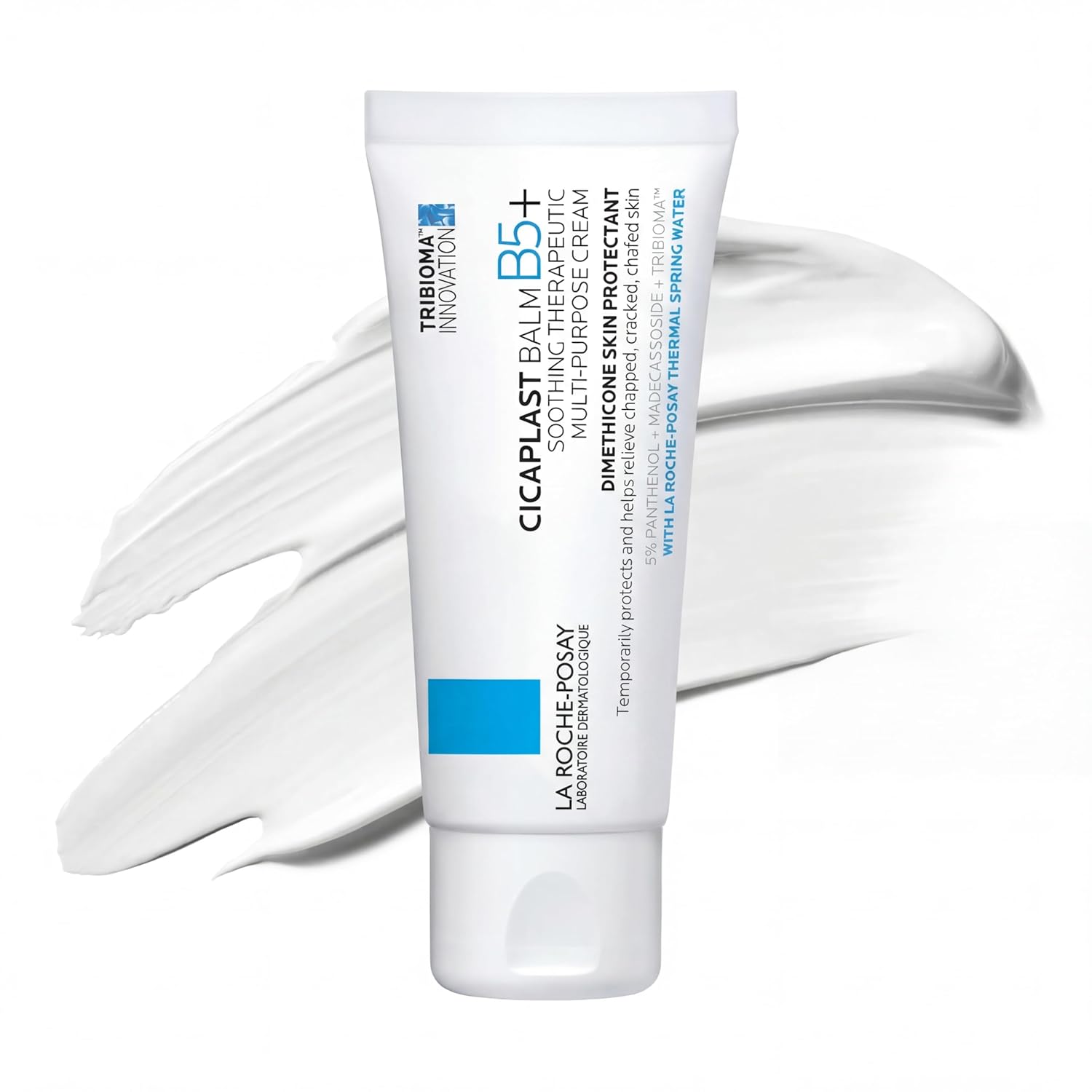
    "title": "La Roche-Posay Cicaplast Balm B5 Cream",
    "brand": "La Roche-Posay",
    "price": 18.99,
    "currency": "USD",
    "stock_status": "in_stock",
    "stock_text": "In Stock",
    "rating": 4.7,
    "reviews_count": 20743,
    "images": [
      "https://m.media-amazon.com/images/I/713Ca5aXpyL._SL1500_.jpg"
    ],
    "category_path": [
      "Beauty & Personal Care",
      "Skin Care",
      "Face",
      "Creams"
    ],
    "product_url": "https://www.amazon.com/dp/B0060OUV5Y"
  },
  "exports": {
    "jsonl": "/api/v1/jobs/{job_id}/download/jsonl",
    "csv": "/api/v1/jobs/{job_id}/download/csv",
    "xlsx": "/api/v1/jobs/{job_id}/download/xlsx",
    "md": "/api/v1/jobs/{job_id}/download/md"
  }
}
# Amazon product sample

| ASIN | Product | Price (USD) |
| --- | --- | --- |
| B0060OUV5Y | La Roche-Posay Cicaplast Balm B5 Cream | 18.99 |

Illustrative row. Run a live preview for current data.
curl -X POST https://parseshelf.com/api/v1/jobs \
  -H 'Authorization: Bearer $PARSESHELF_KEY' \
  -H 'Content-Type: application/json' \
  -d '{"marketplace":"amazon","input_type":"product_url_list","input_value":"https://www.amazon.com/dp/B0060OUV5Y","mode":"full_product","target_count":20}'
Start with one small, auditable job.
Export ranked Amazon search and category rows into a working dataset.
Search to CSVAdd available product, price, review, stock, image, and source fields to ASINs.
Enrich ASINsRepeat focused product jobs for competitor and catalog checks.
Competitor workflowUse a free utility first, then carry the useful input into a live preview and a clean downloadable file.
Normalize one Amazon product URL and see the request shape before you build an integration.
Open URL → JSONPull ASINs from product URLs or pasted lists, then send the clean list into enrichment.
Extract ASINsRemove tracking parameters and turn a copied Amazon link into a reliable parser input.
Clean an Amazon URL