
Skip to content
ParseShelf
Amazon research workflow

Amazon Product Research API

Collect search results, product details, images, ratings and review counts for product research workflows.

Output previewAmazon listing rows · 12 fields shown
ProductAvailabilityPrice
La Roche-Posay Cicaplast Balm B5 CreamB0060OUV5Y · 4.7 · 20,743 reviews
In stock$18.99
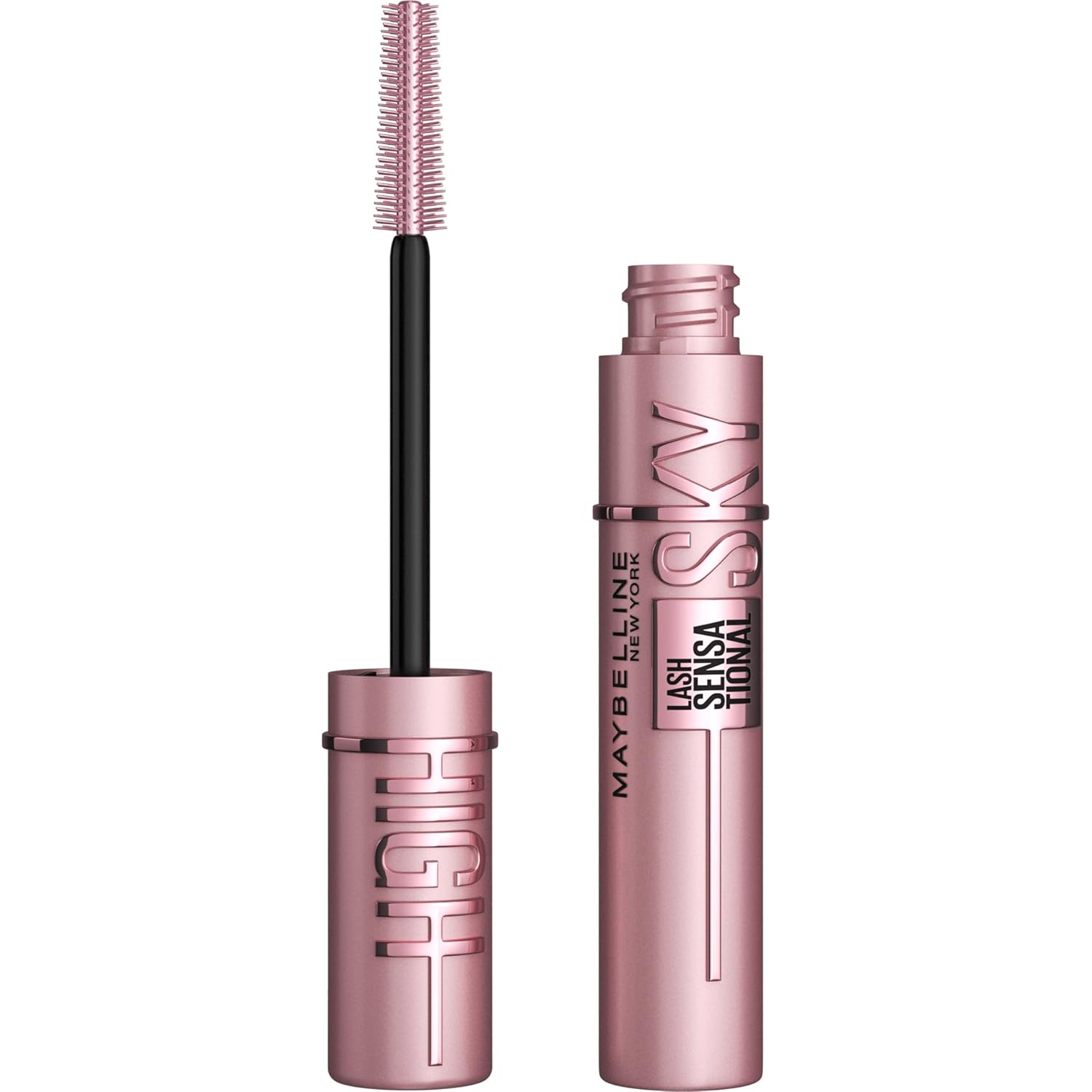
Maybelline Sky High MascaraB08H3JPH74 · 4.5 · 181,639 reviews
In stock$10.82
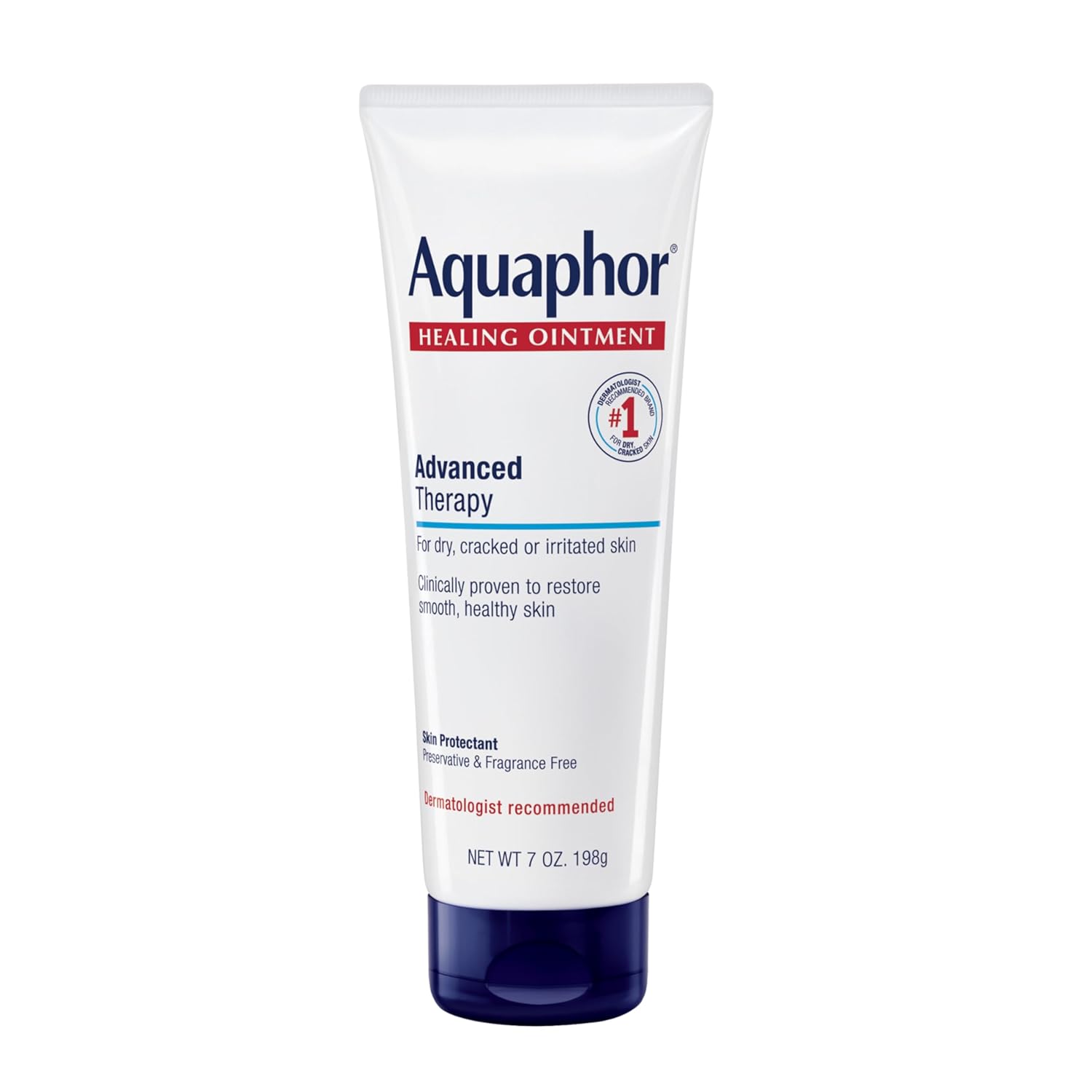
Aquaphor Healing OintmentB0107QPFBU · 4.8 · 138,730 reviews
In stock$12.79
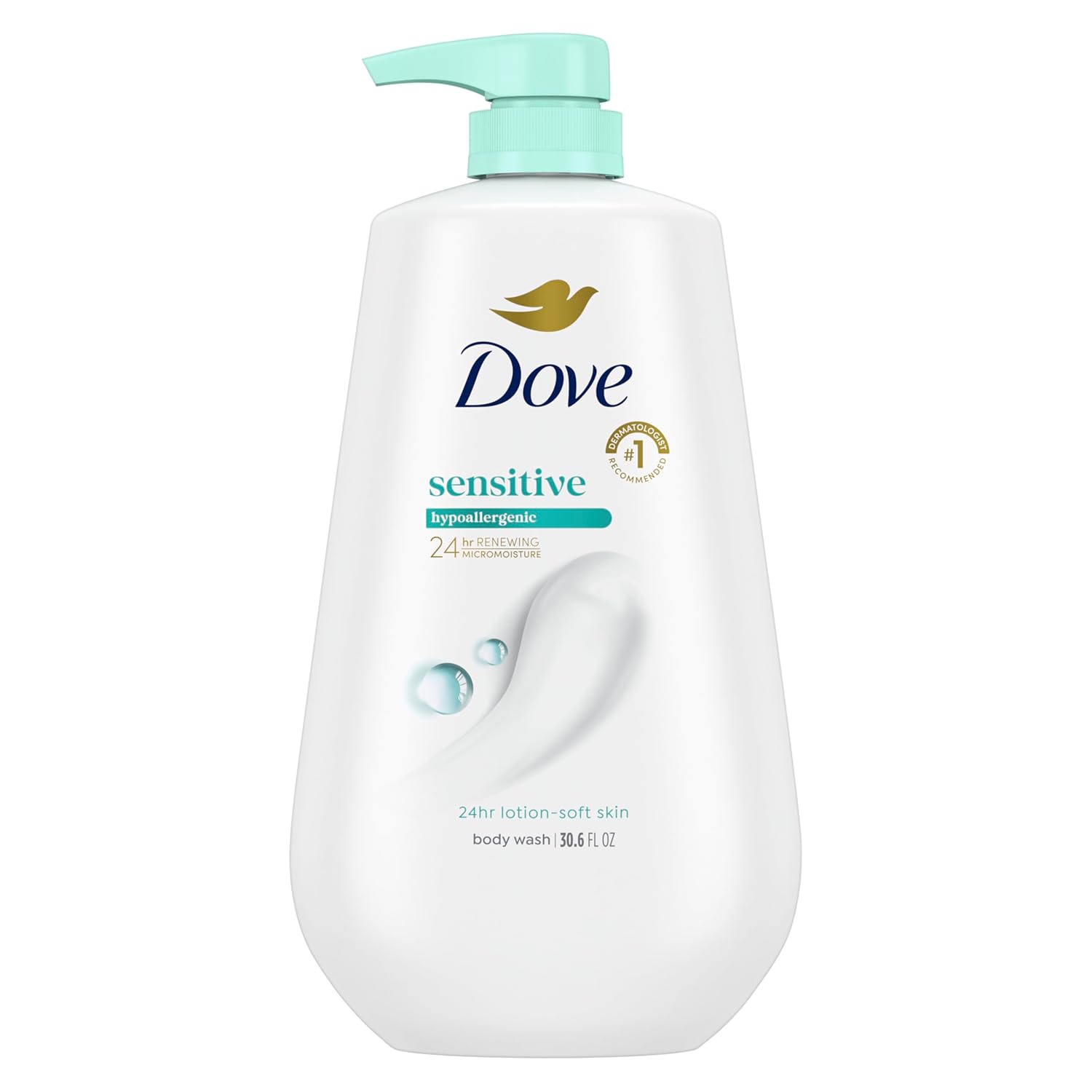
Dove Sensitive Skin Body WashB00SK71SAG · 4.8 · 62,276 reviews
In stock$10.97
Example output · only delivered rows spend unitsCSV · XLSX · JSONL · Markdown
API example

Request Amazon Product Research API from the dashboard or API.

This example shows the exact shape a developer can use to create a ParseShelf Amazon job. Operators can run the same workflow in the web dashboard, inspect live rows, and download files without writing code.

Use search_url when the seed is a search url. Use full_product when you need product page fields such as brand, bullets, stock text, shipping information, variants, media and review signals. Use listing_only for fast discovery scans before enriching selected ASINs.

Every completed job exposes the same normalized contract across API responses, JSONL exports, CSV files, Excel workbooks and Markdown reports, so downstream systems do not need a separate parser for each Amazon page type.

curl requestPOST /api/v1/jobs
curl -X POST https://parseshelf.com/api/v1/jobs \
  -H "Authorization: Bearer $PARSESHELF_KEY" \
  -H "Content-Type: application/json" \
  -d '{"marketplace": "amazon", "input_type": "search_url", "input_value": "https://www.amazon.com/s?k=vitamin+c+serum&i=beauty", "mode": "full_product", "target_count": 20}'
sample responseJSON
{
  "schema_version": "1.0",
  "status": "succeeded",
  "outcome": "full",
  "has_failures": false,
  "marketplace": "amazon",
  "input_type": "search_url",
  "mode": "full_product",
  "delivered_records": 1,
  "records_delivered": 1,
  "records_failed": 0,
  "charged_units": 5,
  "sample": {
    "asin": "B0060OUV5Y",
    "title": "La Roche-Posay Cicaplast Balm B5 Cream",
    "brand": "La Roche-Posay",
    "price": 18.99,
    "currency": "USD",
    "stock_status": "in_stock",
    "stock_text": "In Stock",
    "rating": 4.7,
    "reviews_count": 20743,
    "images": [
      "https://m.media-amazon.com/images/I/713Ca5aXpyL._SL1500_.jpg"
    ],
    "category_path": [
      "Beauty & Personal Care",
      "Skin Care",
      "Face",
      "Creams"
    ],
    "product_url": "https://www.amazon.com/dp/B0060OUV5Y"
  },
  "exports": {
    "jsonl": "/api/v1/jobs/{job_id}/download/jsonl",
    "csv": "/api/v1/jobs/{job_id}/download/csv",
    "xlsx": "/api/v1/jobs/{job_id}/download/xlsx",
    "md": "/api/v1/jobs/{job_id}/download/md"
  }
}
How it works

From Amazon link to useful data.

  1. 1Add your inputPaste an Amazon link or up to 20 ASINs.
  2. 2Choose your detailGet listing fields or enrich each product.
  3. 3Check the previewInspect live rows and any missing fields.
  4. 4Download or automateExport CSV, XLSX, JSONL or Markdown. Use the API for repeat jobs.
Data quality

What makes this different from a raw scraper.

NeedParseShelf behaviorWhy it matters
Stable schemaAmazon-specific fields are normalized into predictable keys such as asin, price, rating, images and product_url.Your exports can feed spreadsheets, scripts and dashboards without field-by-field cleanup after every job.
Transparent qualityFallback listing rows are marked separately from full product rows when Amazon product pages are slow or unavailable.Teams can decide whether fast discovery data is enough or whether selected ASINs should be repaired and enriched again.
Operator workflowThe web panel handles job creation, progress, row preview, item detail pages and file downloads.Researchers and ecommerce operators can use the product without maintaining proxies, browsers or scraper scripts.
Developer workflowAPI keys create jobs, inspect status and download exports from authenticated endpoints.Developers can automate recurring Amazon data collection while the rest of the team uses the same data in the dashboard.
Inside ParseShelf

See what you’ll work with.

Interface previews. The output table uses illustrative rows; run your own input to check current data.

Schema

Fields this API returns.

asin

Normalized `asin` field in JSONL, CSV, XLSX and Markdown exports.

title

Normalized `title` field in JSONL, CSV, XLSX and Markdown exports.

brand

Normalized `brand` field in JSONL, CSV, XLSX and Markdown exports.

price

Normalized `price` field in JSONL, CSV, XLSX and Markdown exports.

rating

Normalized `rating` field in JSONL, CSV, XLSX and Markdown exports.

reviews_count

Normalized `reviews_count` field in JSONL, CSV, XLSX and Markdown exports.

images

Normalized `images` field in JSONL, CSV, XLSX and Markdown exports.

category_path

Normalized `category_path` field in JSONL, CSV, XLSX and Markdown exports.

Use cases

Research, monitor and export.

Market research

Use Amazon Product Research API for market research with live job progress and downloadable files.

Competitor tracking

Use Amazon Product Research API for competitor tracking with live job progress and downloadable files.

Catalog intelligence

Use Amazon Product Research API for catalog intelligence with live job progress and downloadable files.

Automated reporting

Use Amazon Product Research API for automated reporting with live job progress and downloadable files.

Related pages

More Amazon data workflows.

FAQ

Amazon Product Research API questions.

Can ParseShelf handle amazon product research?
Yes. Create a web job or API job and export structured Amazon rows when parsing completes.
Can I run this without code?
Yes. The dashboard supports job creation, live progress, preview rows and downloads.
Can developers automate it?
Yes. API keys can create jobs, poll progress and download exports.